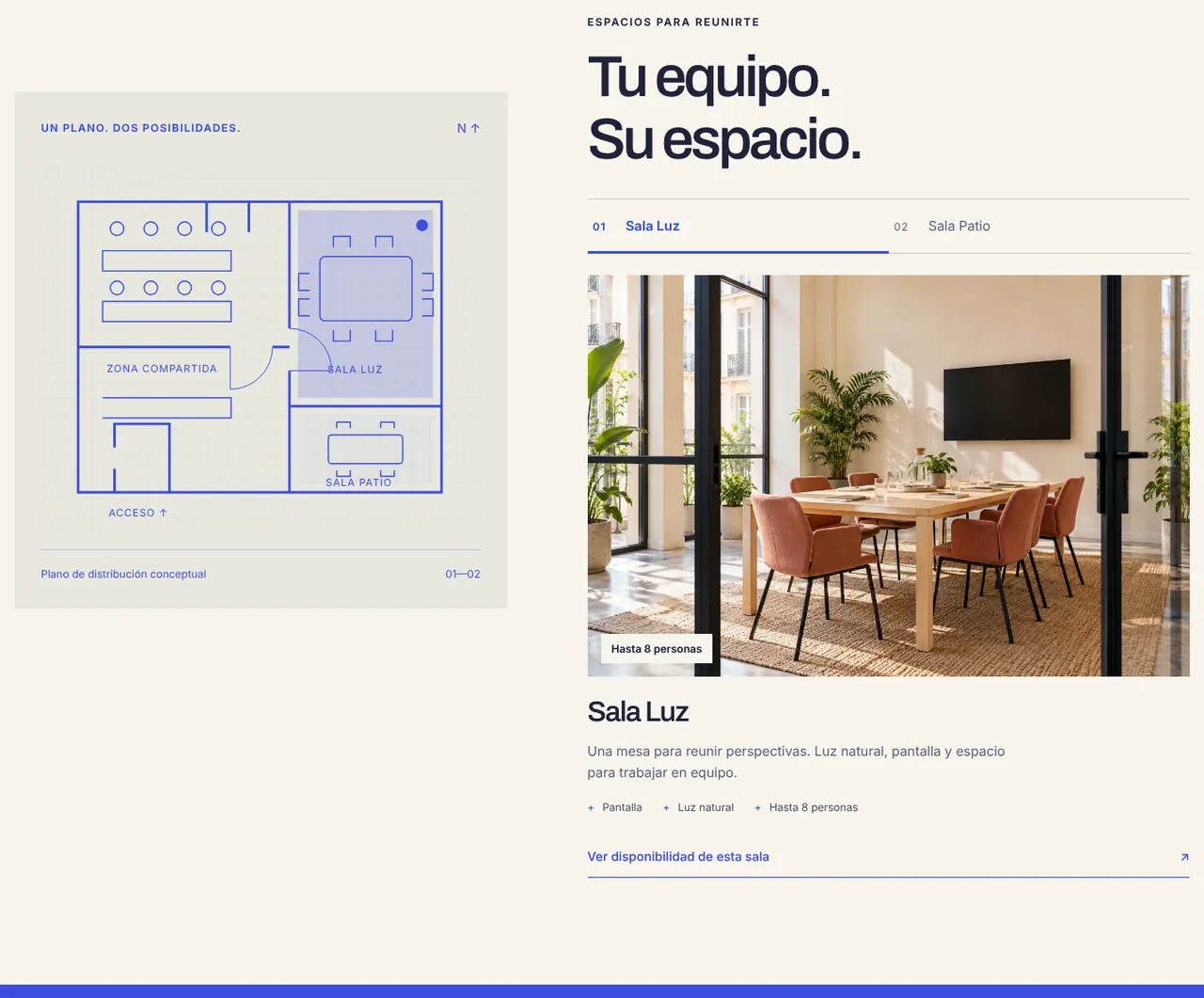
Present the space with rhythm
The site shows the plan, the two rooms and the rhythm of the day (09:00, 12:00, 16:00) before asking for anything.
Independent concept · Client area, bookings
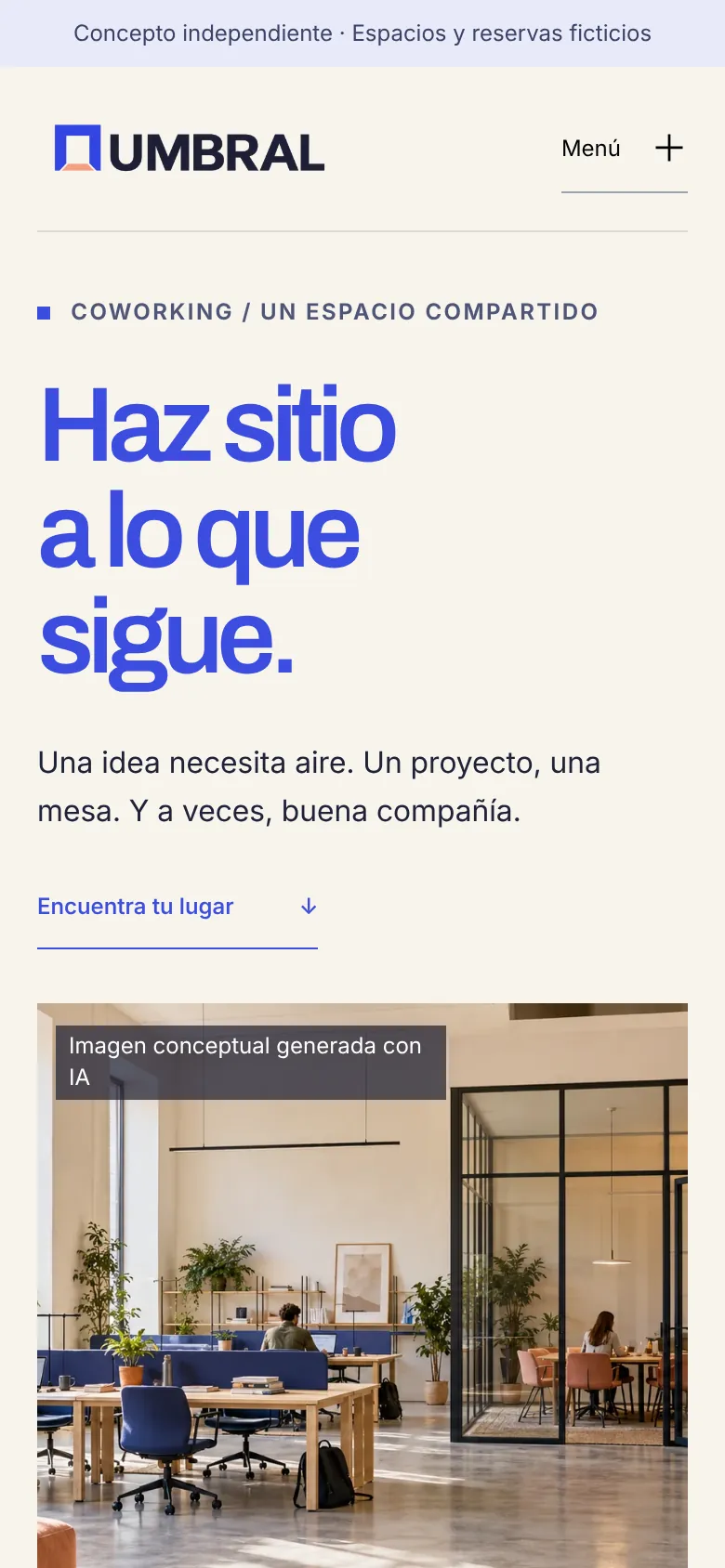
A coworking space with two rooms and a client area. The hard part is booking a long meeting when no single room is free the whole time, without asking for anything the space cannot offer.
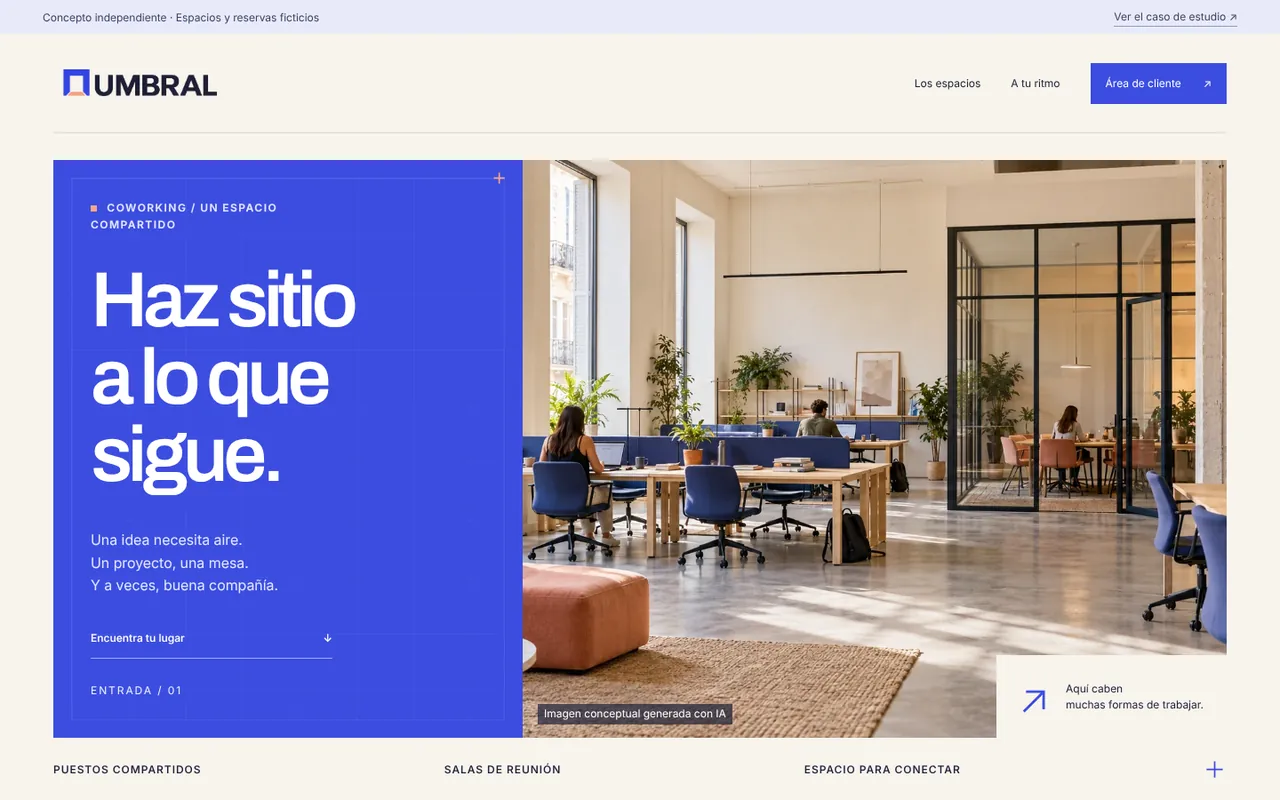
The challenge
Sala Luz (8 people) and Sala Patio (4) do not always have a continuous slot. If the interface only says “unavailable”, people give up or try hour by hour, blind.
The design question: how do you help build a booking from several pieces without losing track of what has been chosen, or what it costs?
Design decisions
Each one can be checked in the demo.
The site shows the plan, the two rooms and the rhythm of the day (09:00, 12:00, 16:00) before asking for anything.
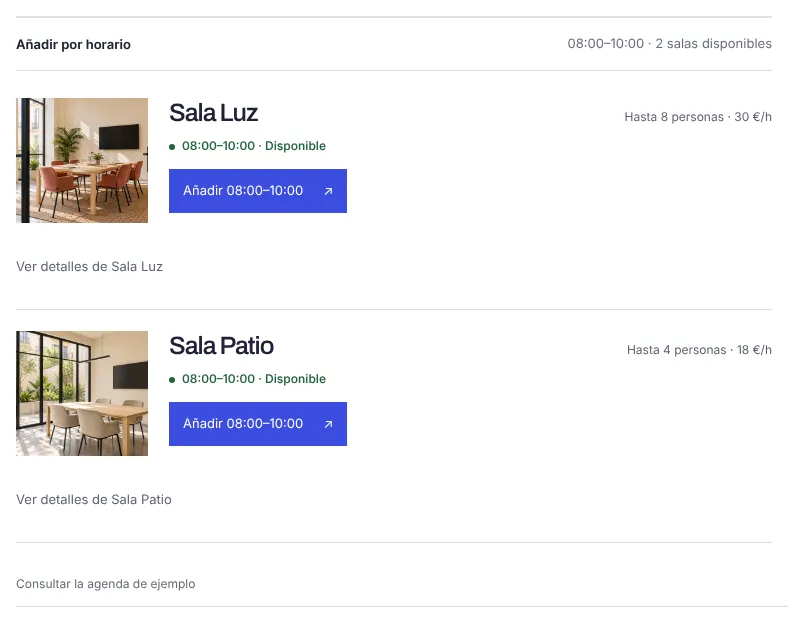
The search disables hours outside opening times (Mon–Fri 08–20, Sat 09–14) and durations that would end after closing, says it is closed on Sundays and caps the group at 8, the real capacity.
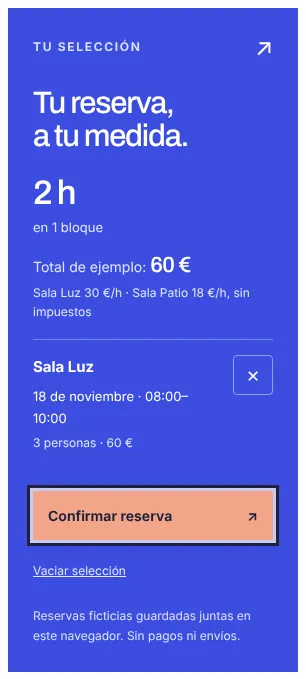
“Your selection” shows hours, blocks, room, date, people and the sample total (Sala Luz €30/h, Sala Patio €18/h), with “Confirm booking” and “Clear selection”.

In “My bookings” each booking can be edited, cancelled or added to a calendar with an .ics file. Bookings are stored only in the browser.
What you can try
To see the decisions at work, in this order.
Pick a Saturday at 13:00 and see which durations remain.
Combine hours from both rooms in one selection.
Confirm and open “My bookings”.
Add the booking to your calendar.
Behind the interface
Bookings live only in the browser of whoever tries the demo. There are no accounts or server, and no personal data is collected. Prices are examples.
With more time
These are hypotheses for a test I have not run yet, not results.
I can walk you through how I reached each decision in this concept.